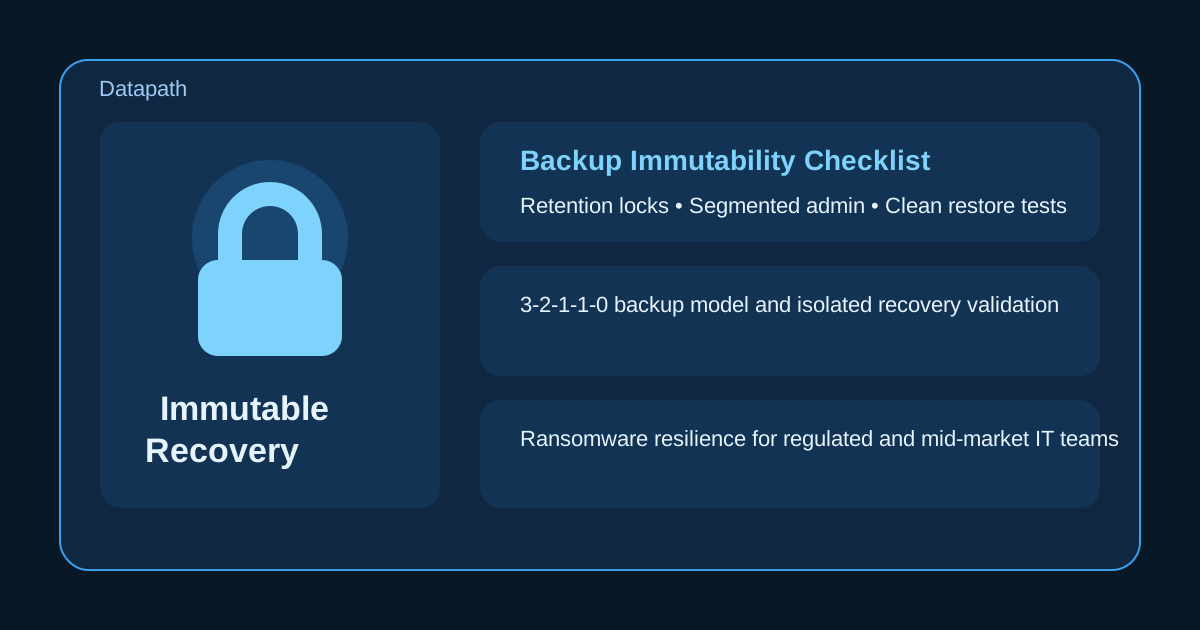

What should a backup immutability checklist include?
A backup immutability checklist should confirm that backup data cannot be deleted or changed during the retention window, that recovery copies live outside the main attack path, and that the business has tested how to restore from them. If any of those conditions are weak, “immutable” may be more of a marketing term than a reliable recovery control.123
That distinction matters because modern ransomware operators do not stop at encrypting production systems. They look for backup consoles, privileged accounts, replication jobs, and storage policies they can disable before the business realizes what is happening.12 In our experience, the most dangerous misconception is assuming that a backup platform checkbox automatically means the organization is recovery-ready.
We think backup immutability should be reviewed as part of a broader resilience design that also covers managed IT services, managed NGFW and segmentation strategy, disaster recovery planning, and practical guidance like our resource guides. The checklist below is meant to help leadership and IT teams ask better questions before a ransomware event forces those answers in real time.
Why does immutability matter so much in ransomware recovery?
Immutability matters because attackers increasingly target backup systems first, and a recovery plan is only real if clean restore points still exist when the incident starts. CISA recommends maintaining offline or otherwise protected backups and regularly testing them because ransomware incidents often turn into business continuity events, not just technical outages.1 NIST and vendor implementation guidance make the same point from a different angle: backup protection has to resist malicious deletion, tampering, and rushed administrator mistakes during a live event.23
Attackers often go after backups before encryption is obvious
Many ransomware intrusions unfold quietly. Attackers steal credentials, map the environment, locate the backup plane, and then try to disable jobs, shorten retention, delete repositories, or tamper with snapshots before detonating encryption.24 If that sequence succeeds, the business discovers the weakness at the worst possible moment.
That is why we usually advise clients to evaluate backup protection the same way they evaluate privileged access or incident response: not by whether the feature exists, but by whether a compromised admin account can realistically destroy the last clean copy.
“Immutable” is not the same as merely “harder to delete”
A real immutability control should enforce a time-bound state in which data cannot be modified or deleted before the retention period expires, even by highly privileged users.23 A backup location that is simply protected by standard permissions is helpful, but it is not the same thing. If the same compromised identity can still remove the protection, the control may slow an attacker down without actually preserving recovery.
That is one reason we often tell teams to compare immutability to other resilience topics such as Microsoft 365 backup strategy, cloud disaster recovery for hybrid environments, and ransomware readiness planning. The common question is always the same: what survives when the primary environment is already compromised?
What should IT teams verify on a backup immutability checklist?
IT teams should verify the control itself, the isolation around it, the identities that can manage it, and the recovery process that depends on it. A checklist that only asks whether object lock or immutable storage is turned on is too shallow to be useful.
1. Confirm which backup copies are actually immutable
Start by identifying exactly which datasets, platforms, and backup copies are covered. That usually includes:
- core servers and file data
- Microsoft 365 or other SaaS workloads
- virtualization platforms and snapshots
- cloud workloads and infrastructure state
- databases or line-of-business systems with their own retention logic
The important question is not “Do we use immutable backups?” It is “Which recovery sets are immutable, for how long, and under what storage policy?” Teams should also verify whether the immutable copy is the primary backup target, a secondary copy, or a vault copy created later in the workflow.35
2. Check retention lock settings and change authority
Retention policy is where many weak designs fail. If the retention window is too short, the organization may lose clean rollback points before discovery is complete. If the retention window can be reduced casually, an attacker with admin access may still neutralize the control.23
A useful review should answer:
| Checklist item | What to verify | Why it matters |
|---|---|---|
| Retention period | Minimum lock duration for critical systems | Must outlast delayed detection and investigation |
| Override rights | Which accounts can shorten or remove protection | Reduces risk from compromised admins |
| Scope | Which repositories, buckets, or vaults inherit the policy | Prevents false assumptions about coverage |
| Audit trail | Whether retention changes are logged and reviewed | Supports investigation and accountability |
| Legal/compliance fit | Whether retention aligns with recovery and regulatory needs | Avoids under-protection or policy conflicts |
In our experience, the healthiest environments treat retention changes like production change control, not routine housekeeping.
3. Separate backup trust boundaries from production trust boundaries
Immutability is much stronger when the protected copy is not sitting behind the same credentials, directory roles, network paths, and management plane as the production environment.12 That can mean separate cloud accounts, segregated backup infrastructure, hardened repositories, immutable object storage with lock policies, or an offline or vaulted copy depending on the environment.
The business does not always need the most complex architecture. It does need a recovery copy that is not casually reachable from the same blast radius as daily admin work. If your team is also reviewing how to reduce IT downtime with proactive monitoring and alerting or cybersecurity risk assessments, this is one of the most important resilience design questions to elevate.
Which operational controls make immutability trustworthy instead of theoretical?
Operational discipline is what turns immutability from a storage feature into a dependable recovery control. The strongest teams pair immutable storage with access controls, monitoring, and regular recovery exercises.
4. Protect the admin path to the backup platform
Backup consoles, service accounts, API keys, and cloud roles deserve the same scrutiny as domain admin or identity administrator privileges. The checklist should confirm:
- named admin accounts instead of shared credentials
- MFA on backup and cloud control planes
- separation between day-to-day admin activity and high-impact backup changes
- review of stale service accounts and emergency access paths
- logging for failed and successful privileged actions
If the same broad admin role can log in, disable retention, alter lifecycle policies, and purge backup jobs without a second control, the architecture is still too fragile.
5. Validate monitoring, alerting, and tamper detection
The business should know when backup jobs fail, when immutable copies are not being created, when retention is modified, and when unusual delete activity appears.14 Those alerts should not disappear into a queue that nobody reviews after hours.
A practical operating model usually includes:
- daily review of failed jobs and repository health
- alerts for retention-policy changes
- visibility into deletion attempts or unusual backup administration events
- periodic review of storage-capacity pressure and replication lag
- escalation paths that do not depend on one person noticing a dashboard
This is also where managed cybersecurity services and vendor risk questionnaires for MSP candidates become relevant. If another provider manages backups, the business should know exactly who watches these exceptions and what the escalation SLA looks like.
6. Test restores from the immutable copy, not just from the easiest copy
A backup is not validated because a job succeeded. It is validated because the organization has restored from the protected copy within an acceptable timeframe and proven that the data is usable.12 We recommend that teams test not only file-level restores, but also application recovery, identity dependencies, and the restoration order for critical services.
That review should answer:
- how long it takes to restore critical systems from the immutable tier
- whether credentials, keys, and access controls required for recovery are documented
- whether clean-room or isolated recovery workflows are defined for suspicious workloads
- whether the business knows which systems are restored first and why
The answer does not need to be perfect. It does need to be specific enough that leadership can trust it during a real incident.
What are the most common mistakes in immutable backup planning?
The most common mistakes are assuming the feature is enough, keeping backup administration too exposed, and never pressure-testing recovery under realistic conditions. Those issues are fixable, but only if the business sees them before an attacker does.
Mistake 1: Treating immutability like a silver bullet
Immutability is powerful, but it does not replace segmentation, endpoint protection, incident handling, vendor coordination, or recovery planning.12 A business can still suffer a major disruption if identities are compromised, monitoring is weak, or restore procedures are untested.
Mistake 2: Protecting the data but not the process
Some teams enable immutable storage while leaving change authority, admin credentials, or recovery documentation in a dangerously casual state. That creates a mismatch between technical capability and operational reality. If nobody knows how to recover cleanly, the protection still may not translate into business continuity.
Mistake 3: Using retention settings that do not match detection reality
Ransomware dwell time and investigation time do not always fit neat assumptions.4 If the retention window is shorter than the likely discovery window for key systems, the business may lose the safest recovery points before it decides what is clean.
Mistake 4: Never reviewing whether the design still matches the environment
New SaaS platforms, new cloud workloads, mergers, remote-office growth, and backup-vendor changes can all create coverage gaps. We recommend reviewing immutability whenever the environment changes materially, not just during annual policy refreshes.
Why Datapath for backup immutability and ransomware recovery planning?
We think backup resilience should be measured by recoverability, not by feature lists. That means asking whether the last clean copy is truly protected, whether the admin path is controlled, whether the business can restore in a realistic sequence, and whether leadership has a usable plan when the environment is already under stress.
At Datapath, we help organizations connect backup strategy to broader operational accountability. If your team wants help reviewing immutable storage design, Microsoft 365 and cloud backup coverage, ransomware recovery priorities, or the controls surrounding privileged access, start with our homepage, review our managed IT services overview, explore related material in our blog library, and talk with our team about building a recovery model that holds up when it matters.
FAQ: Backup immutability checklist
How long should an immutable backup retention period be?
It depends on the business, the threat model, and how quickly malicious activity is likely to be detected. The retention window should be long enough to preserve clean recovery points through investigation and decision-making, not just through routine backup turnover.
Are immutable backups the same as air-gapped backups?
No. Immutable backups prevent modification or deletion during a defined period, while air-gapped backups emphasize separation from routine network or administrative access. Many strong ransomware recovery strategies use both concepts together.
Can ransomware still affect an organization that uses immutable backups?
Yes. Immutability helps protect recovery copies, but it does not stop initial compromise, credential theft, lateral movement, or business disruption. It is one critical control inside a broader resilience strategy.
What should leadership ask about immutable backups first?
Leadership should ask which systems are covered, how long the retention lock lasts, who can change it, where the protected copy lives, and when the organization last restored from that exact immutable copy.
Sources
- CISA StopRansomware Guide
- NIST Cybersecurity Framework 2.0
- Veeam: Immutable Backups and Their Role in Cyber Resilience
- SentinelOne: What Are Immutable Backups?
- Datapath: How to Build an Immutable Backup Strategy Against Ransomware
