
What should businesses expect from managed IT services in Manteca, CA?
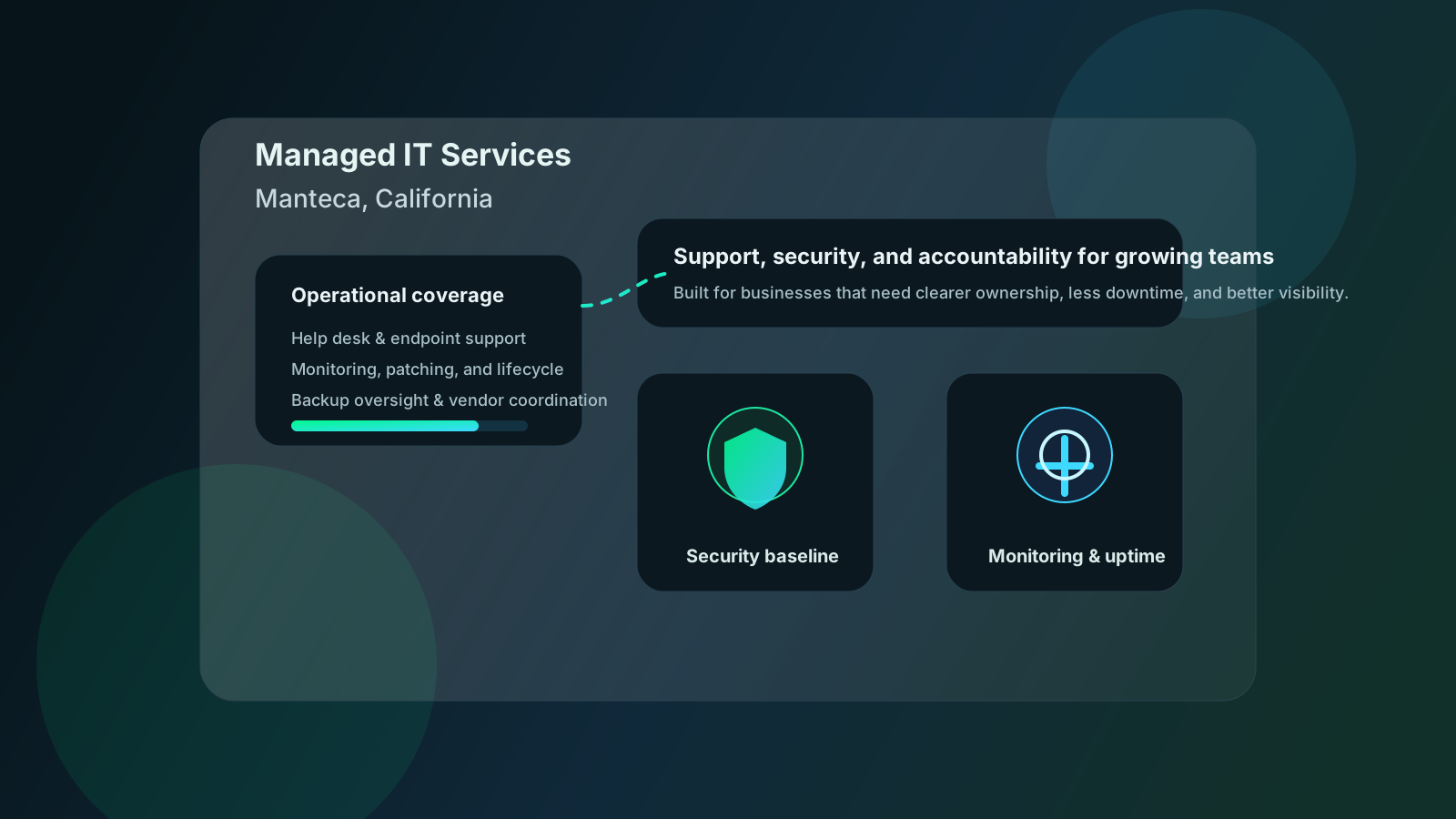
Managed IT services in Manteca, CA should give a growing business more than reactive troubleshooting. A credible provider should take recurring responsibility for end-user support, monitoring, patching, backup oversight, vendor coordination, cybersecurity administration, and planning so leadership gets a steadier operating model instead of a rotating list of preventable issues.12 For many companies, the real value is not just faster ticket closure. It is fewer surprises, clearer ownership, and better visibility into the risks that actually affect uptime.
That matters because many Manteca businesses sit in an awkward middle ground. They are often large enough to depend on Microsoft 365, line-of-business applications, remote access, cyber insurance requirements, cloud systems, and multiple vendors, but not always large enough to build deep in-house coverage across support, security, infrastructure, and recovery. That is usually the gap managed IT is supposed to close.
In our experience, the strongest managed IT relationships feel calmer over time. Users know where to get help. Leadership gets more useful reporting. Backup and security conversations become more specific. Vendor problems stop bouncing between providers without an owner. That is what businesses in Manteca should expect when comparing MSP options.
What should managed IT services in Manteca actually include?
A serious MSP should cover the recurring work that keeps the environment stable, secure, and governable. NIST’s Cybersecurity Framework 2.0 reinforces that resilient operations depend on governance, protection, detection, response, and recovery working together rather than as disconnected tasks.1 CISA’s Cyber Essentials guidance points to the same operational reality: strong IT outcomes usually come from disciplined fundamentals, not marketing language.2
Help desk and day-to-day user support
Most buyers first notice managed IT through support responsiveness, but support is only one layer of the service model. Businesses in Manteca should expect help with user issues, workstation setup, onboarding and offboarding, Microsoft 365 administration, printer and connectivity issues, line-of-business software troubleshooting, and vendor escalation when a third-party platform fails.
Good support should not just close tickets. It should reduce repeat problems through documentation, standardization, and root-cause follow-up. If users keep reporting the same Wi-Fi issue, mailbox issue, VPN issue, or workstation slowdown, the provider should be able to explain what is being fixed systemically rather than just solving the symptom again.
Monitoring, maintenance, and lifecycle discipline
A credible managed IT engagement should also include the less visible work that prevents small issues from turning into outages:
- endpoint and server monitoring
- operating system and application patching
- alert review and remediation follow-up
- hardware inventory and lifecycle planning
- backup job monitoring and restore escalation
- wireless and network health review
- documentation that survives turnover and growth
This is the work that often sounds boring during a sales conversation and turns out to matter most six months later. When maintenance is disciplined, businesses usually see fewer avoidable disruptions, clearer refresh planning, and less leadership time wasted on preventable problems.
Security baseline and recovery readiness
Managed IT services in Manteca should also include a practical security and continuity baseline. That does not mean every business needs the same advanced stack, but it does mean the provider should be able to explain how identity, patching, endpoint protection, email security, backup discipline, and incident escalation are handled.
For many small and mid-market teams, a useful baseline includes:
| Managed IT area | What should be included | Why it matters |
|---|---|---|
| Identity and access | MFA enforcement, onboarding/offboarding, role review, admin controls | Reduces preventable account compromise |
| Endpoint protection | EDR oversight, policy review, response coordination | Improves containment when threats appear |
| Backup and recovery | Backup checks, retention review, restore readiness, escalation paths | Supports continuity during outages or ransomware events |
| Vendor coordination | Escalation with Microsoft, ISPs, cloud vendors, and app providers | Keeps ownership clear during incidents |
| Reporting and planning | Service reviews, risk summaries, and roadmap guidance | Gives leadership decision-ready visibility |
That security-and-recovery layer matters even more for organizations supporting healthcare workflows, financial operations, distributed offices, or compliance-heavy customer environments. Those teams usually need a provider that can connect support work to broader resilience and governance requirements, not just answer tickets quickly. That is why buyers often compare managed IT services in Manteca, vertical support like healthcare IT and financial services IT, and practical material from the Datapath guides hub.
Why do growing businesses in Manteca move to managed IT services?
Most organizations do not change support models because they suddenly want to outsource everything. They change because the business has outgrown a reactive approach and leadership can feel the drag.
Internal bandwidth is stretched too thin
This is the most common trigger. One internal IT manager, office administrator, or technical generalist can only absorb so much help desk work, patching, vendor wrangling, backup review, Microsoft 365 administration, and project work before something important starts slipping.
Managed IT gives the business a way to spread that load without waiting to hire a full internal team. In some cases, the answer is fully outsourced support. In others, it is a co-managed model where internal leadership retains strategic control while the MSP handles recurring operational coverage. Our guide to co-managed IT services explains where that split makes sense.
Downtime is getting more expensive
As environments grow, downtime gets harder to absorb quietly. A mailbox outage, identity problem, ISP issue, file access failure, or backup alert can ripple into sales, customer service, finance, operations, and executive time. IBM’s breach-cost research and CISA’s business-risk guidance both point to the same underlying truth: disruption usually costs more than teams expect until the problem hits production.32
That is why many businesses start evaluating MSPs after recurring instability rather than after a strategic planning exercise. If users keep losing time to the same avoidable friction, leadership eventually stops treating it as normal background noise. For a deeper look at how this compounds, see our article on the true cost of IT downtime.
Security and compliance pressure keep increasing
The other major driver is external pressure. Cyber insurance applications ask harder questions. Customers ask how access is governed. Leadership wants more confidence that backups, MFA, endpoint controls, and incident processes are real rather than assumed. For regulated businesses, those conversations are even more direct.
In those situations, managed IT should increase clarity, not increase dependency on vague promises. A strong provider should be able to explain what is in scope, how exceptions are tracked, what happens after hours, what evidence exists, and where leadership still owns decisions.
How should businesses choose the right MSP in Manteca, CA?
The easiest mistake is comparing providers on slogans instead of operating discipline. Almost every MSP says it is proactive, strategic, responsive, and security-focused. The better test is whether the provider can explain exactly how it works and how that operating model improves outcomes for your business.
Start with scope and ownership
Before comparing proposals, define what you expect the MSP to own. That usually includes support, monitoring, patching, backup oversight, vendor coordination, a security baseline, reporting, and planning. If those responsibilities stay fuzzy during the sales process, they usually stay fuzzy after the agreement is signed.
We recommend asking questions like:
- Which users, systems, and locations are in scope?
- What happens after hours or during a high-severity incident?
- Which security functions are included versus sold separately?
- Who owns recurring issue review and vendor escalation?
- What reporting cadence should leadership expect?
- How are backup failures, patch exceptions, and aging devices tracked?
Those questions usually tell you more than a polished proposal does. Buyers who want a stricter framework should also review our guide to how to evaluate the best MSP for 100+ employees and our article on how to choose the right IT outsourcing partner.
Ask how the provider uses process, not just tools
Most MSPs can list the same categories of tools: RMM, EDR, backups, Microsoft 365, documentation, and ticketing. That is not what separates strong providers. Buyers should ask how those tools create discipline.
A stronger provider should be able to explain:
- how patch exceptions are approved and remediated
- how backup failures are escalated and verified
- how privileged access is reviewed
- how recurring incidents are analyzed for root cause
- how leadership sees trends instead of isolated ticket counts
That level of specificity is usually a better predictor of fit than a longer tool list.
Look for local fit without overvaluing zip-code proximity
Local presence still matters. On-site issues like firewall swaps, office moves, wireless remediation, conference room failures, cabling work, and hardware replacement are easier to manage when the provider can support Central Valley teams without treating every visit as a special project.
But local fit is not just about distance. It is also about whether the provider understands the market, supports Manteca-area teams with practical response expectations, and can scale across nearby operations in Stockton, Modesto, Tracy, or the broader corridor. Businesses comparing regional support may also find the Datapath home page, Manteca location page, and Modesto location page useful reference points for geography and service approach.
What should regulated or multi-site businesses ask a Manteca MSP?
Regulated and multi-site environments should expect managed IT to support governance and resilience, not just basic support. A healthcare group, financial firm, logistics operator, or distributed business usually needs stronger control over access, recovery, vendor management, and reporting than a generic support agreement provides.
The provider should understand evidence and accountability
It is not enough to say backups are running or patches are applied. The provider should be able to show how the work is reviewed, which exceptions exist, who owns remediation, and how leadership gets updates. That same discipline matters for identity, endpoint risk, vendor access, and incident communications.
The provider should connect technical issues to business risk
A strong MSP should be able to translate technical findings into business language. An unresolved backup alert is not just a backup issue. It may affect recovery readiness, insurance posture, or audit defensibility. A loosely governed admin account is not just an identity issue. It may create customer trust and operational continuity risk.
That business-risk framing is a big part of how we think managed IT should work. It is also why teams exploring the security and compliance side of service delivery often read related Datapath articles like cybersecurity risk assessment services, managed cybersecurity services, and what managed IT services actually include.
Why Datapath for managed IT services in Manteca, CA?
We think managed IT should help leadership run a calmer, more accountable environment. That means reducing recurring friction, tightening the security baseline, improving backup and vendor discipline, and giving decision-makers a clearer view of what matters now and what needs attention next.
For Manteca-area businesses, that usually means balancing support responsiveness with something more strategic: better ownership, better visibility, and fewer preventable surprises. We work best with teams that want a stronger operating model across service, security, and planning rather than a vendor that just closes tickets.
If your business is comparing managed IT services in Manteca, CA, start with the Datapath home page, review our Manteca managed IT services page, explore the resources and guides hub, and talk with our team about managed IT services in Manteca if you want a practical conversation about fit.
Frequently Asked Questions
What are managed IT services in Manteca, CA?
Managed IT services in Manteca, CA are ongoing outsourced IT operations that typically include support, monitoring, patching, backup oversight, cybersecurity administration, vendor coordination, and planning. The goal is to create a more stable and accountable technology environment than a reactive break-fix model.
How do you choose the right managed IT services provider in Manteca?
Start by defining scope, ownership, after-hours expectations, and reporting needs before comparing vendors. Then evaluate each provider on operational discipline, security baseline, escalation clarity, local support options, and whether they can support your business model over time.
Are managed IT services worth it for growing businesses?
They often are when internal IT is overloaded, downtime is getting more expensive, or leadership needs clearer visibility into risk and vendor accountability. The value usually comes from fewer recurring issues, stronger governance, and better planning rather than raw ticket volume alone.
What should regulated businesses ask an MSP?
They should ask how backups are verified, how access is reviewed, how incidents escalate, how exceptions are tracked, and what evidence the provider can produce for leadership, insurers, auditors, or customers. Those answers usually matter more than a generic list of tools.
Does a local Manteca MSP matter if most support is remote?
Yes, but mostly when local presence is paired with strong process. Remote support handles many issues efficiently, but local availability still matters for infrastructure work, office changes, hardware failures, and faster coordination when business operations are on the line.
