
How do you build a compliance-ready IT asset inventory?
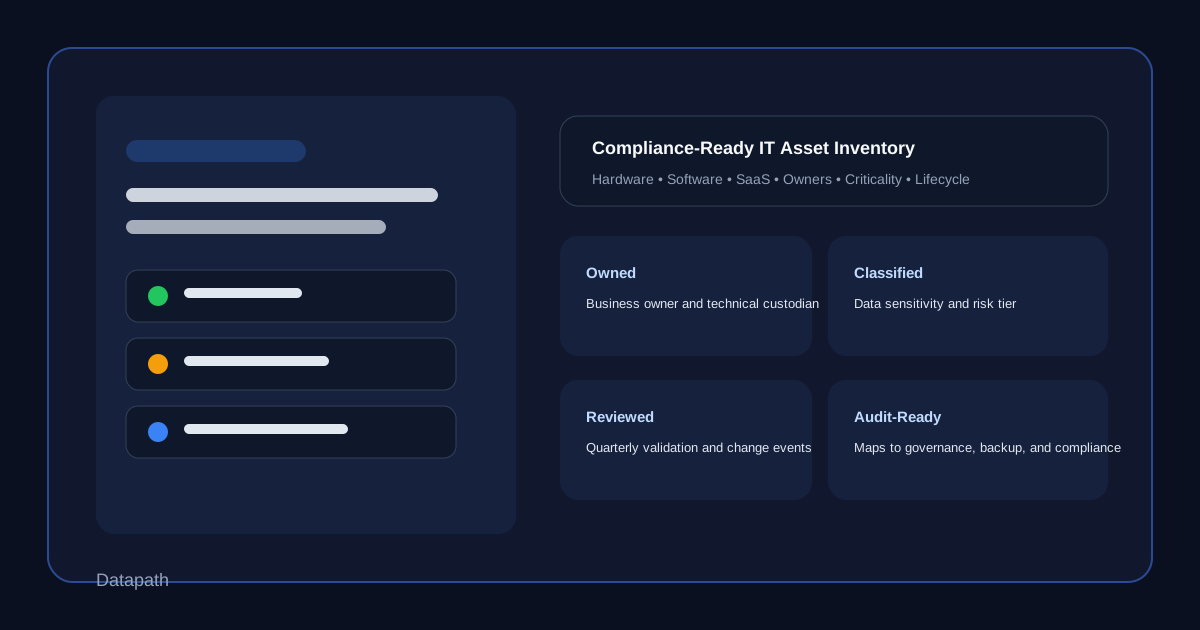
To build a compliance-ready IT asset inventory, start with a single system of record that tracks hardware, software, cloud services, system owners, data sensitivity, business criticality, lifecycle status, and review cadence. Then connect that inventory to onboarding, offboarding, procurement, change management, security review, and audit evidence collection so it stays current instead of becoming a stale spreadsheet.123
We think that distinction matters. A basic asset list helps you count devices. A compliance-ready inventory helps you answer harder questions: What do we actually run, who owns it, what data does it touch, how important is it, and what happens if it fails or falls out of control? Those are the questions auditors, insurers, internal leadership, and incident responders eventually ask.
In our experience, the inventory becomes valuable when it supports more than one framework at once. A strong inventory helps with security operations, vendor accountability, backup planning, and audit readiness at the same time. That is why we see it as foundational for regulated organizations, growing mid-market teams, and businesses trying to reduce operational surprises.
Why does an IT asset inventory matter so much for compliance?
Most compliance programs assume you can identify the systems, software, services, and data in scope before you try to secure them. If you cannot show what exists, it becomes much harder to prove patching discipline, access control, risk management, backup coverage, evidence ownership, or incident response readiness.
The current NIST Cybersecurity Framework makes that expectation explicit inside Asset Management (ID.AM). It calls for maintained inventories of hardware, software, services, supplier-provided services, data, and lifecycle status, along with prioritization based on criticality and mission impact.1 NIST SP 800-53 goes further in CM-8, requiring organizations to document system components accurately, include the information needed for accountability, and review and update the inventory on a defined schedule.2
That is why a mature inventory is not just a technical housekeeping exercise. It is a control that supports:
- audit scoping
- risk assessments
- vulnerability management
- vendor oversight
- backup validation
- incident response
- lifecycle planning
- executive reporting
We often see teams struggle because they built separate lists for laptops, servers, SaaS apps, firewalls, and vendors, but never tied them together. That creates gaps during real work. The security team may know the endpoint count. Finance may know the subscriptions. Operations may know the business owner. But nobody has the full picture when an auditor or a security incident forces quick decisions.
Compliance pressure usually exposes inventory gaps before anything else
For HIPAA, SOC 2, CMMC, PCI DSS, and other regulated environments, the first problem is often not a missing tool. It is a missing source of truth. When organizations cannot identify which systems process regulated data, which vendors are in scope, or which privileged users administer critical services, every downstream control becomes harder to defend.
That is one reason Datapath keeps coming back to governance topics like SOC 2 Compliance Checklist for IT Teams, Third-Party Cyber Risk Assessment Checklist for Regulated Businesses, and our broader resources and guides hub. The work gets easier when the environment is documented in a way leadership and technical teams can both use.
What should a compliance-ready IT asset inventory include?
A compliance-ready inventory should capture enough information to support both security operations and evidence collection. We do not recommend overengineering it on day one, but we do recommend including more than a hostname and serial number.
Start with the asset classes that matter most
At minimum, the inventory should cover:
- workstations and laptops
- servers and virtual machines
- network infrastructure
- firewalls and security tools
- mobile devices and tablets
- printers and specialized devices where relevant
- cloud platforms and subscriptions
- SaaS applications
- backup systems
- supplier-managed or outsourced services
- critical data repositories
CIS Control 1 frames this well: organizations should actively manage enterprise assets across physical, virtual, remote, and cloud environments so they can identify unauthorized and unmanaged assets that need to be removed or remediated.3
Track the fields that make the inventory usable during audits and incidents
We recommend these core fields:
| Field | Why it matters |
|---|---|
| Asset name and type | Creates a consistent identifier |
| Owner and technical custodian | Establishes accountability |
| Business function | Shows why the asset exists |
| Location or environment | Helps scope on-prem, remote, and cloud assets |
| Data sensitivity | Identifies regulated or confidential exposure |
| Criticality tier | Supports incident and recovery prioritization |
| Vendor or supplier | Helps with third-party oversight |
| Authentication method | Flags higher-risk identity patterns |
| Backup status | Shows whether recovery expectations are reasonable |
| Lifecycle status | Supports patching and replacement planning |
| Last review date | Proves the inventory is being maintained |
A good rule is simple: if an auditor, security lead, or executive would ask for the information during a stressful week, it probably belongs in the inventory.
Include services and data, not just devices
One of the biggest mistakes we see is limiting the inventory to hardware. That is not enough anymore. NIST CSF 2.0 explicitly calls for inventories of software, systems, supplier services, and data in addition to hardware.1 If your organization uses Microsoft 365, line-of-business SaaS platforms, outsourced help desk support, cloud backups, EHR systems, or managed firewall services, those belong in the inventory because they affect risk and scope.
This is especially important for growing organizations using a mix of internal IT and outside providers. If a managed service provider, cloud consultant, or application vendor has administrative access, your inventory should make that relationship visible. That is part of building real accountability, not just cleaner documentation.
How do you keep the inventory accurate enough for audits and operations?
Accuracy is where most inventories fail. Teams often build a useful list once, then let it drift until the next compliance deadline. A compliance-ready inventory has to be maintained as an operating process.
Tie inventory updates to real business events
The cleanest way to keep the inventory current is to make updates part of work that already happens:
- new hire onboarding
- device provisioning
- software purchasing
- SaaS approval
- vendor onboarding
- firewall or network changes
- server deployments
- employee offboarding
- asset retirement
- incident postmortems
- quarterly access reviews
NIST SP 800-53 CM-8 specifically calls out updating the inventory during installations, removals, and system updates, and recommends automated maintenance where possible.2 We think that is the right mindset. If the inventory only changes during annual review season, it is not really controlling anything.
Use one authoritative record, then automate where practical
You do not need a heavyweight CMDB on day one, but you do need one place everyone trusts. For some teams that may be an ITSM platform. For others it may start as a structured asset register tied to endpoint tooling, identity reports, procurement records, and cloud administration data.
What matters most is that the system of record can answer questions consistently. We recommend defining:
- where the master record lives
- who approves new asset classes
- who owns each critical asset
- how often records are reviewed
- which sources auto-populate fields
- what happens when an asset cannot be assigned or verified
That operating model usually matters more than the brand name of the tool.
Prioritize assets by business impact, not just by cost
NIST CSF 2.0 emphasizes prioritization based on classification, criticality, resources, and mission impact.1 That means your inventory should help separate a replaceable workstation from a line-of-business platform that can halt revenue, patient care, public services, or compliance operations.
We advise clients to assign at least three practical tiers:
- Mission-critical — outage or compromise creates major operational, regulatory, or financial risk
- Important but recoverable — disruption hurts productivity but does not immediately stop core operations
- Standard — lower-impact assets with limited downstream risk
That tiering becomes useful across backup strategy, patching urgency, after-hours escalation, and incident communication.
Where do most teams get a compliance-ready inventory wrong?
The most common mistake is treating the inventory like a static spreadsheet built for auditors instead of a live control used by operations. When that happens, the document may look organized but still fail under pressure.
Common inventory failures we see
- duplicate records across departments
- SaaS and supplier-managed services omitted from scope
- no named business owner for critical systems
- no classification for regulated data exposure
- retired assets left active in the register
- shared admin accounts with no accountability trail
- no link between inventory and backup or recovery expectations
- review dates missing or inconsistent
These issues create knock-on problems everywhere else. Vulnerability management gets noisy. Risk assessments get vague. Insurance questionnaires take longer. Incident responders waste time figuring out what they are looking at. Leadership gets forced into decisions without good visibility.
That is also why the inventory should connect naturally to related work like managed IT services, the Datapath homepage, cybersecurity risk assessments, and vulnerability management programs. Governance is much easier when your operating data is trustworthy.
Why Datapath for compliance-ready IT asset inventory work?
We think a strong asset inventory should do more than satisfy an auditor. It should help leadership understand the environment, help technical teams prioritize work, and help the business reduce avoidable compliance and security surprises.
At Datapath, we help teams turn inventory work into something operational: clearer system ownership, stronger vendor visibility, better prioritization, cleaner audit prep, and more useful decision-making around patching, backup, access, and lifecycle planning. If your environment has grown beyond spreadsheets and tribal knowledge, start with our managed IT services overview, explore our IT consulting and storage services, review our resources and guides, or talk with our team about building a governance model that can actually hold up during an audit or incident.
FAQ: Compliance-ready IT asset inventory
What makes an IT asset inventory compliance-ready?
A compliance-ready IT asset inventory tracks more than devices. It includes software, cloud services, supplier-managed systems, owners, data sensitivity, criticality, lifecycle status, and review cadence so the organization can use it for audit scope, risk management, and incident response.
Does an IT asset inventory need to include SaaS applications and vendors?
Yes. Modern compliance scope often depends on software platforms, cloud services, and supplier-managed systems, not just hardware. If a service stores regulated data or has privileged access, it should be represented in the inventory.
How often should an asset inventory be reviewed?
The inventory should be updated during installs, removals, onboarding, offboarding, and meaningful system changes, with a defined periodic review cadence for validation. Quarterly review is a practical baseline for many mid-market environments, but critical systems may need more frequent checks.
Who should own the IT asset inventory?
There should be one authoritative system of record, but ownership is usually shared. IT or security may administer the inventory process, while each critical asset also needs a named business owner or technical custodian accountable for accuracy and lifecycle decisions.
Why do audits fail when the inventory looks complete on paper?
Because a complete-looking list may still omit cloud services, vendors, data classification, ownership, lifecycle status, or evidence that the records are reviewed. Audits usually expose whether the inventory is a living control or just a static spreadsheet.
Sources
- NIST Cybersecurity Framework 2.0 — ID.AM Asset Management
- NIST SP 800-53 Rev. 5 — CM-8 System Component Inventory
- CIS Control 1 — Inventory and Control of Enterprise Assets
- Datapath: SOC 2 Compliance Checklist for IT Teams
