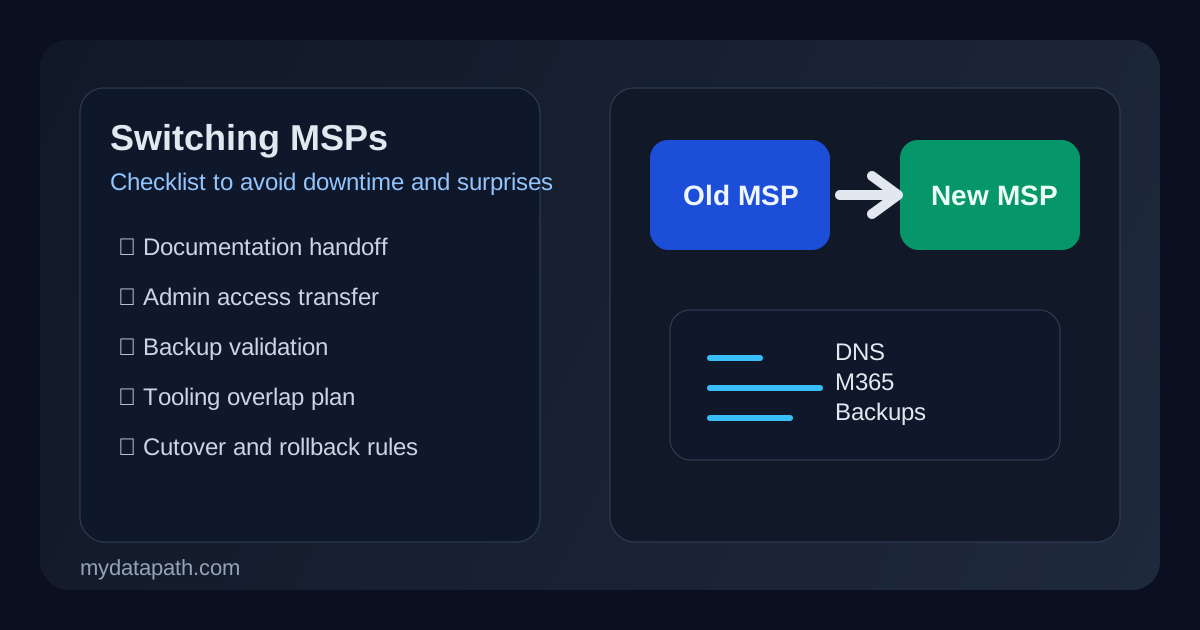

What should a switching MSPs checklist include before you change providers?
A practical switching MSPs checklist should confirm who owns every critical system, how administrative access will transfer, what documentation must be delivered, how backups and security tooling will be validated, and which services must not break during the handoff. The safest transitions also define decision-makers, escalation contacts, and a cutover sequence before the outgoing provider starts disengaging. If those basics are vague, the switch becomes riskier than it needs to be.123
That matters because most MSP transitions do not fail because the new provider is incapable. They fail because the environment was never fully documented, privileges were never cleaned up, vendor relationships were never clarified, or the handoff was scheduled like a paperwork event instead of an operations event. For growing companies, school systems, healthcare organizations, and other regulated teams, those gaps can quickly turn into downtime, missed approvals, backup uncertainty, or security exposure.
We recommend treating an MSP switch as a short-term continuity and governance project. That usually overlaps with a broader vendor risk questionnaire, IT vendor exit strategy, MSP onboarding plan, the Datapath homepage, our managed IT services, our resource guides, and our contact page.
Why do MSP transitions create avoidable downtime in the first place?
Because the provider relationship usually sits inside much more of the operating environment than leadership initially realizes. The MSP may control RMM tooling, endpoint security, backup consoles, Microsoft 365 administration, DNS, ISP escalation, firewall rules, vendor tickets, procurement records, password vaults, and the practical knowledge of how exceptions were handled over time. If any of that leaves without a controlled transfer, the switch can trigger confusion even when the replacement provider is strong.
Hidden dependencies are usually the real problem
Many businesses know who their MSP is, but they do not always know which systems the MSP actually controls. That is where transitions get messy. One team assumes Microsoft 365 is in-house. Another assumes the MSP owns it. The firewall was configured years ago by someone no longer involved. The backup platform renews through a reseller relationship nobody reviewed. The DNS registrar uses a shared mailbox nobody monitors. Those are not unusual edge cases. They are normal transition risks.
Weak offboarding discipline can become a security issue fast
An MSP switch is not only about service continuity. It is also about access reduction. If old technician accounts, remote-control agents, vendor credentials, or emergency admin paths remain active after the transition, the business may inherit an unnecessary security problem. CISA and NIST both emphasize inventory, access control, and role clarity as basic security hygiene, and those principles matter even more during provider change.12
Contract timing rarely matches operational readiness
One of the most common mistakes is letting the contract deadline dictate the technical timeline. The legal end date matters, but the operational handoff should be staged around risk. If the outgoing provider stops cooperating before credentials, documentation, monitoring visibility, and vendor ownership are confirmed, the new provider is forced into discovery during production support.
The switching MSPs checklist we recommend using
Below is the checklist we recommend for growing and regulated organizations. Not every environment is equally complex, but every one should answer these questions before the cutover date.
1. Confirm who owns every critical system and relationship
Start with a plain-language ownership map. It should identify:
- Microsoft 365 and Entra administration
- domain registrar and DNS management
- firewall and network gear administration
- backup platform ownership and billing
- endpoint protection and monitoring tools
- ISP, telecom, and circuit escalation paths
- cloud platforms and line-of-business vendors
- shared admin mailboxes and notification channels
If ownership is unclear, fix that first. The best transition plan in the world will not help much if nobody knows who can authorize a DNS change or retrieve a backup key.
2. Inventory all privileged access and transfer it intentionally
An MSP transition should include a privileged-access review, not just a password handoff. Confirm:
- global and delegated Microsoft 365 admin roles
- local admin and domain admin paths
- firewall and switch credentials
- backup console access
- EDR, MDR, or SIEM tenant access
- password manager vault access
- vendor portals and reseller accounts
- emergency or break-glass accounts
We recommend assigning a named business owner for each critical admin surface and documenting when the outgoing provider’s access will be removed.
3. Require a full documentation package before the final handoff
A good handoff package should include more than a network diagram. At minimum, ask for:
- current asset inventory
- network and firewall documentation
- backup architecture and restore notes
- Microsoft 365 tenant notes and license summary
- vendor list with contract and renewal details
- escalation paths and after-hours contacts
- known exceptions, workarounds, and technical debt
- open project list and unresolved risks
If the outgoing provider cannot produce clean documentation, that is not a reason to rush. It is a reason to slow the cutover and plan for additional validation.
4. Validate backup recoverability before the switch
Do not assume backups are healthy because reports say “successful.” Before the transition, confirm what is protected, who can restore it, and whether the new provider has reviewed the recovery path. Microsoft and NIST both stress restoration and contingency planning as more than a checkbox.24
The checklist should answer:
- Which workloads are backed up today?
- Who owns the backup platform account?
- Are retention settings understood?
- Has a recent restore been tested?
- Are immutable or offline protections in place where needed?
- What happens if recovery is needed during the transition week?
That is especially important if the business depends on Microsoft 365 backup vs retention, cloud disaster recovery planning, or regulated retention requirements.
5. Decide which tools will be replaced, overlapped, or retained
Some transitions are cleaner when the new MSP immediately replaces the RMM, ticketing, and endpoint stack. Others are safer with a short overlap period. The right answer depends on environment maturity, security risk, and the number of moving parts.
We usually recommend documenting each platform in one of three buckets:
| Tool or service | Replace immediately | Overlap temporarily | Keep in place |
|---|---|---|---|
| RMM / remote support | when trust is low or tooling is poorly governed | when discovery is incomplete | rarely |
| Endpoint security | when licensing and coverage are cleanly transferrable | when alert visibility must not dip | when the current stack is sound |
| Backup platform | when ownership is broken or protection is weak | when restore assurance is needed | when the design is working well |
| Ticketing / service desk | when process changes are part of the switch | when reporting continuity matters | occasionally |
The goal is to avoid accidental blind spots while also not carrying unnecessary overlap indefinitely.
6. Define the cutover window and business-impact rules
A provider switch should have a real cutover plan, not just a start date. That means documenting:
- planned transition milestones
- blackout periods for critical business operations
- who can approve emergency changes
- which systems cannot tolerate interruption
- what the escalation path looks like if the handoff slips
- what users should do if they notice a problem during the first week
For many organizations, the first 72 hours matter most. That is when monitoring changes, identity confusion, endpoint reconfiguration, and support routing issues tend to surface.
7. Remove outgoing-provider access on a schedule, not by assumption
This is one of the most overlooked steps. Access should be reduced and removed according to a checklist, with completion confirmed by the client or incoming provider. Review:
- technician accounts
- shared admin accounts
- privileged groups in Microsoft 365 or Active Directory
- remote-access agents
- VPN accounts
- backup service accounts
- API keys, integrations, and webhooks
- device-management tokens and certificates
If the business cannot confirm what has been removed, then the transition is not actually complete.
What should leadership ask before approving the switch date?
Leadership does not need every technical detail, but it should have confidence in the operational basics. We recommend leadership ask five direct questions:
- Do we know who owns every critical system and vendor relationship?
- Has the new provider reviewed admin access, backups, and documentation?
- What is most likely to break, and what is the fallback plan?
- When does the outgoing provider lose access, and how is that verified?
- Who is accountable for decision-making during the first week of transition?
If those answers are fuzzy, the organization is not ready for a clean cutover.
How should regulated organizations handle an MSP switch differently?
Regulated teams should assume the transition itself is an evidence and continuity event. That means preserving auditability around access changes, documenting who approved temporary exceptions, and validating whether compliance-relevant systems are affected by any tooling or support-model change.
That often includes extra review around:
- Microsoft 365 and email security
- logging and retention coverage
- protected or regulated data stores
- security tooling visibility during overlap periods
- vendor access to customer or regulated information
- incident escalation ownership during the transition
For healthcare, finance, public-sector, and education teams, a provider switch is not just a purchasing decision. It is a change in operational control.
What does a good first 30 days with the new MSP look like?
A strong transition does not end at cutover. In the first month, the new provider should prove that it understands the environment and can run it with less ambiguity than before.
We usually expect to see:
- a validated system inventory
- clearer escalation rules
- confirmation of backup ownership and test outcomes
- cleanup of stale admin access
- a list of unresolved risks inherited from the previous model
- reporting that leadership can actually use
That is where the transition starts becoming an improvement instead of just a replacement.
Why Datapath recommends treating MSP switching as an accountability project
We think organizations make better provider decisions when they stop framing the switch as “moving support” and start framing it as “rebuilding accountability.” The question is not just who answers tickets next month. The question is who owns your environment, who can prove what is protected, who can explain the exceptions, and who can guide the business through risk without adding chaos.
That is why we focus so much on governance, evidence, and operating clarity. A well-run MSP transition should leave the organization with fewer mysteries than it had before.
FAQ: switching MSPs checklist
What is the biggest risk when switching MSPs?
The biggest risk is usually not the contract change itself. It is incomplete transfer of access, documentation, and ownership across Microsoft 365, backups, security tooling, vendor portals, and escalation processes.
Should the old and new MSP overlap during transition?
Sometimes yes. A short overlap can reduce risk when the environment is poorly documented or business-critical systems need validation before the old provider fully exits. The overlap should still have clear scope, timeline, and authority.
When should the outgoing MSP lose admin access?
As soon as the incoming provider and client have confirmed transfer of ownership and operational readiness for each system. Access removal should follow a checklist and be verified, not assumed.
Do we need to test backups before switching MSPs?
Yes. A recent successful restore matters far more than a dashboard showing backup jobs completed. Recovery validation is one of the most important safeguards during a provider transition.
Sources
- CISA Cyber Essentials
- NIST Cybersecurity Framework 2.0
- NIST SP 800-61 Rev. 2 Computer Security Incident Handling Guide
- Microsoft Learn: Plan your backup and restore strategy for Exchange Online
