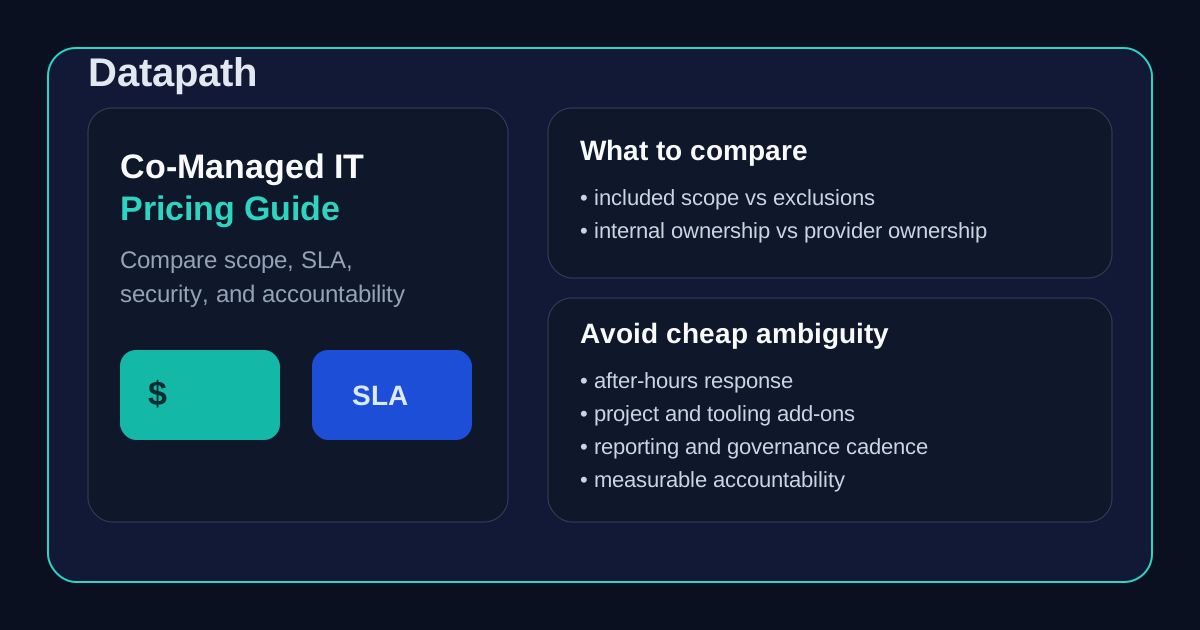

How should mid-market teams compare co-managed IT pricing?
Mid-market teams should compare co-managed IT pricing by looking at three things together: service scope, operating accountability, and total monthly cost. A low quote means very little if after-hours escalation is excluded, security work is treated as an add-on, or the internal team is still expected to own most of the hard parts. The real comparison is not just price per user or price per month. It is whether the agreement closes your staffing and capability gaps without creating new ambiguity.
That matters because co-managed IT is supposed to reduce pressure on an internal team, not turn every incident into a debate about who owns the ticket. For a mid-market organization with 100 to 500 employees, the wrong support model can easily create duplicate work, missed handoffs, weak reporting, and budget surprises. The right model should make operations calmer, more visible, and easier to govern.
At Datapath, we think buyers should compare co-managed options the same way they compare any serious IT partner: by asking what work is covered, what outcomes are measured, and what leadership can reasonably expect to happen at 2:00 AM when something important breaks. That same operating-discipline lens runs through our managed IT services overview, our homepage, and our guidance on how to evaluate IT outsourcing companies.
What does co-managed IT pricing usually include?
Most co-managed agreements combine a recurring base fee with one or more usage-based elements. The exact structure varies, but most pricing falls into a few common patterns:
1. Base retainer plus defined service scope
This is the model we usually prefer for mid-market buyers because it is easier to map to accountability. A monthly retainer covers a named set of responsibilities such as:
- endpoint monitoring and patching
- help desk overflow or tiered escalation support
- Microsoft 365 administration
- backup monitoring and recovery coordination
- security tooling oversight
- scheduled strategy and reporting meetings
The advantage is predictability. The risk is that vague language inside the base retainer can hide exclusions until there is a real incident.
2. Per-user or per-device pricing
Some providers price co-managed support using a per-user or per-device formula. That can work if the environment is standardized and the service scope is straightforward. It is usually less helpful when the internal team retains meaningful ownership of some platforms while the provider handles only selected workstreams.
If you are comparing per-user pricing, ask exactly what counts as a user, whether shared devices are included, and which tasks still trigger additional project or hourly charges. We go deeper on the broader math in our managed IT services pricing guide.
3. Tiered packages with add-ons
Other providers offer “good, better, best” bundles. These can be easy to quote but harder to evaluate. One tier may include patching and tooling but exclude incident response. Another may include reporting but not strategic planning. A higher tier may still exclude project work, compliance support, or after-hours escalation.
If a provider uses packages, ask for a line-by-line explanation of what moves from one tier to the next and what remains outside the agreement entirely.
4. Hybrid pricing for projects and advanced services
A lot of co-managed relationships include a recurring operations fee plus separate pricing for:
- infrastructure projects
- cloud migrations
- compliance assessments
- major security remediation
- on-site work beyond an agreed threshold
- after-hours incident response outside standard coverage
That is not automatically a problem. It becomes a problem when the buyer assumes those services are covered and the provider does not.
What should a mid-market buyer compare before choosing a provider?
The fastest way to misread a quote is to compare only monthly numbers. A better comparison starts with responsibility.
Who owns daily operations?
This is the first question because co-managed IT only works when ownership boundaries are obvious. Buyers should ask who owns:
- help desk intake and user communication
- escalations beyond the internal team’s capacity
- patching and maintenance windows
- endpoint management and policy enforcement
- Microsoft 365 or cloud administration
- vendor coordination
- incident response sequencing
- reporting to leadership
If the answer is “it depends,” then the contract probably needs more work.
Our existing guide on co-managed IT vs managed IT explains why this matters so much: shared models succeed when responsibilities are written down, not when they are assumed.
What security work is actually covered?
A lot of proposals say “security included” without clarifying what that means. In practice, buyers should ask whether the provider owns or supports:
- endpoint protection administration
- vulnerability review and remediation tracking
- identity hygiene and privileged access review
- Microsoft 365 security controls
- phishing or email security administration
- backup monitoring and restore coordination
- incident triage and after-hours escalation
For regulated organizations, this matters even more. Teams in financial services, healthcare, education, and public-sector environments often need stronger evidence, cleaner logging, and clearer accountability than a generic support bundle provides. That is why the security conversation should connect to the same governance expectations we discuss across the resources and guides hub and posts like managed cybersecurity services.
What stays with the internal team?
A co-managed agreement can be excellent and still leave major work in-house. That is fine if leadership understands it. It is risky if leadership assumes the MSP has absorbed more than it actually has.
We recommend asking providers to document a simple split:
- provider-owned
- customer-owned
- shared with named handoff points
Without that, price comparisons are basically fiction.
What hidden cost drivers should buyers watch for?
Most co-managed surprises come from exclusions, not base pricing.
After-hours support and incident response
Many buyers assume critical escalation is built in. Sometimes it is. Sometimes only alerting is included, while actual response is billable. Ask what happens after hours, who is notified, what counts as emergency work, and whether containment or remediation triggers separate charges.
Project work versus operations work
A provider may include recurring administration but exclude tenant cleanup, onboarding redesign, firewall replacement, documentation overhaul, or tool rollout. Those exclusions can be reasonable, but they should be explicit.
Tooling pass-through costs
Some providers bundle the tools. Others resell or pass through licensing for RMM, EDR, backup, email security, MDR, or documentation platforms. Buyers should ask which costs are embedded in the agreement and which are separate.
Scope drift after onboarding
A co-managed relationship often reveals more deferred maintenance than leadership expected. If the environment is messy, the provider may uncover identity gaps, stale endpoints, weak backup coverage, or unsupported infrastructure in the first ninety days. That can create a lot of value, but it may also change project assumptions quickly.
This is one reason we encourage buyers to pair pricing review with our broader MSP evaluation material, including how to evaluate IT outsourcing companies and the MSP buyer guide for 100+ employees.
What does a good co-managed IT pricing comparison look like?
A good comparison usually fits on one page and answers practical questions leadership can defend.
| Comparison area | What to check |
|---|---|
| Pricing model | Base retainer, per-user, per-device, hybrid, or tiered |
| Included scope | Named operations tasks, tools, reporting, and coverage windows |
| Exclusions | Projects, on-site work, after-hours response, procurement, compliance support |
| Internal responsibilities | What the in-house team still owns day to day |
| Security coverage | Tooling admin, incident handling, backup oversight, identity, logging |
| Service levels | Response times, escalation path, severity definitions, meeting cadence |
| Governance | Executive reporting, QBRs, roadmap reviews, accountability metrics |
| Commercial terms | Term length, renewal language, offboarding obligations, change pricing |
If a provider cannot help you fill in that matrix clearly, the problem is probably not just the quote. It is the operating model behind the quote.
Which metrics matter most in a co-managed agreement?
Price without accountability is just a budget number. A serious co-managed agreement should define what gets measured and who reviews it.
We usually recommend asking about:
- critical-response and resolution targets
- patch compliance rates
- backup success and restore validation
- endpoint health and security coverage
- aging ticket volume
- repeated incident categories
- open risk items with named owners
- cadence for monthly reporting and quarterly planning
The reason is simple: leadership needs evidence that the shared model is improving execution, not just shifting responsibility around. That same visibility matters when teams start asking whether they need a stronger planning rhythm, a vCIO engagement, or a broader managed IT relationship.
When is the cheapest co-managed IT option the wrong one?
Usually when the internal team is already overloaded.
If your staff is stretched thin, a cheaper proposal that leaves strategy, documentation, tier-two escalation, vendor management, onboarding workflow, and security ownership in-house may not save money at all. It may simply preserve the exact operational bottlenecks you were trying to fix.
That is especially true when:
- one or two internal people hold most institutional knowledge
- the business has compliance or audit pressure
- multiple locations or vendors increase coordination overhead
- leadership wants stronger reporting and accountability
- after-hours issues create real business risk
In those cases, the better option is usually the provider with the clearer delivery model, not the lowest starting number.
How should mid-market teams make the final decision?
We think the cleanest decision path is this:
- define the outcomes you want from co-managed support
- document what the internal team can still own reliably
- compare providers on scope and accountability first
- compare commercial terms second
- reject proposals that still leave major ownership questions open
That sequence matters because the wrong co-managed agreement can create a lot of expensive ambiguity. The right one should make your team stronger, give leadership cleaner visibility, and reduce day-to-day operational drag.
If your team is comparing providers right now, start with the Datapath homepage, review our managed IT services overview, explore the resources and guides hub, and compare related guidance like co-managed IT vs managed IT and how to evaluate IT outsourcing companies. If you want help pressure-testing a real proposal, talk with our team.
Frequently Asked Questions
What is included in co-managed IT pricing?
Co-managed IT pricing usually includes a recurring set of operational services such as monitoring, patching, selected support coverage, tooling administration, security coordination, reporting, and scheduled governance. It may not include project work, after-hours incident response, major remediation, or third-party licensing unless those items are listed explicitly.
Is co-managed IT cheaper than fully managed IT?
Sometimes, but not always. Co-managed IT can cost less when the internal team still owns meaningful operational work. It can also cost more than expected if the split creates duplicate effort, unclear handoffs, or heavy add-on charges.
What should buyers ask about before signing?
Ask who owns the help desk, after-hours escalation, security administration, backup oversight, vendor coordination, documentation, reporting, projects, and roadmap planning. Also ask what is excluded, what tools are billed separately, and how scope changes are priced.
How do you compare two MSP quotes fairly?
Compare them using the same responsibility matrix. Do not compare only monthly totals. Map each quote to included services, excluded work, internal-team ownership, security scope, after-hours coverage, reporting, and commercial terms.
