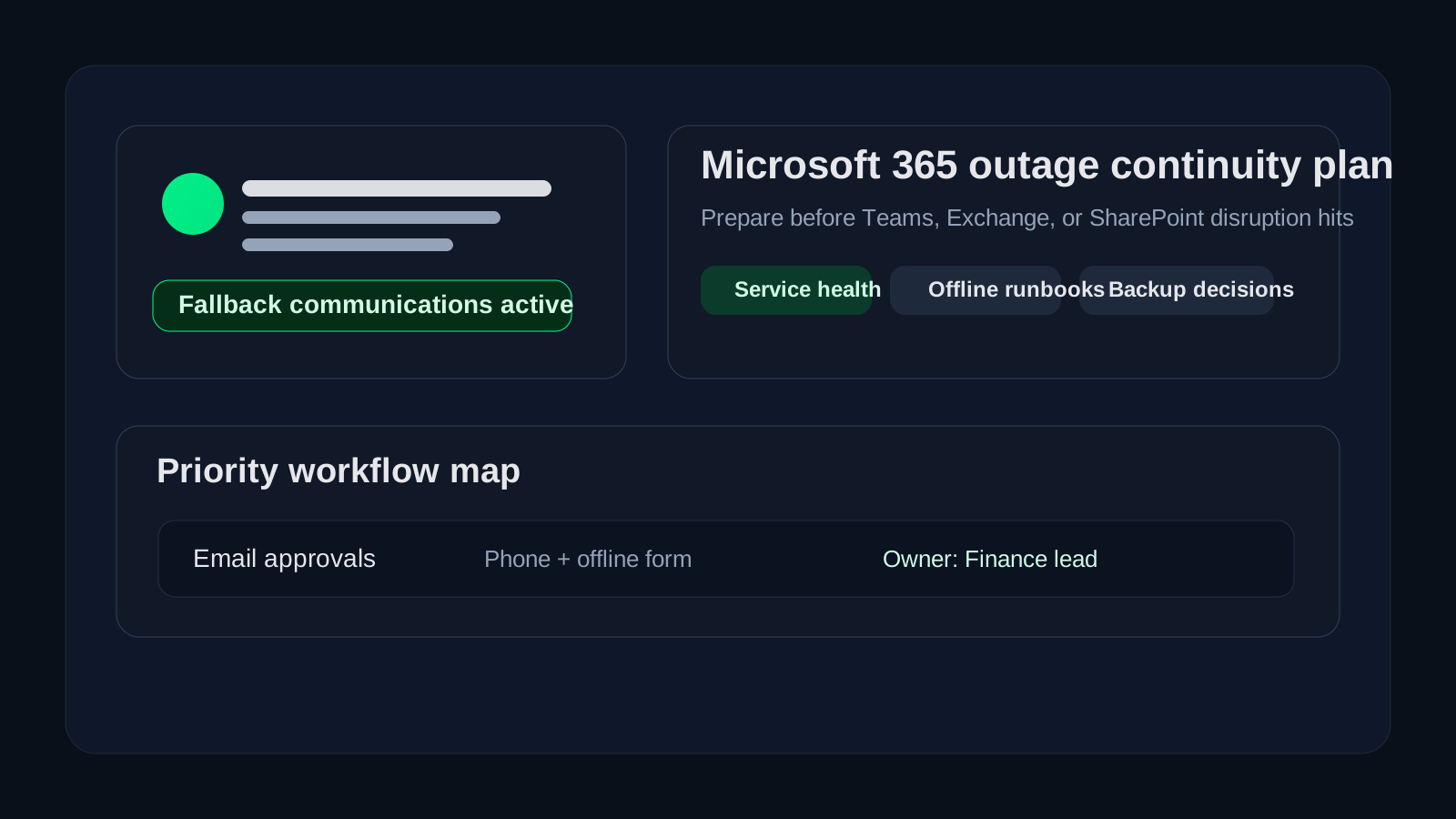

What should a Microsoft 365 outage business continuity plan include before an outage happens?
A Microsoft 365 outage business continuity plan should define how your business will communicate, keep critical work moving, monitor service health, protect important data, and make leadership decisions when Exchange Online, Teams, SharePoint, OneDrive, or Entra-linked workflows are disrupted. The mistake we see most often is assuming that because Microsoft 365 is cloud-based, continuity is automatically covered. It is not. Availability is a platform concern. Business continuity is still your responsibility.12
In practical terms, that means your team needs more than a note that says “check the admin portal.” You need named owners, alternate communication paths, a list of critical processes that cannot wait for normal service restoration, and clear expectations for what users should do when email, collaboration, or shared files are unavailable. If your organization operates in healthcare, finance, education, or any other regulated environment, that planning matters even more because communication delays can quickly become operational, customer-facing, or compliance-facing problems.
We recommend thinking about Microsoft 365 continuity the same way you would think about any other core dependency: not as a yes-or-no question about uptime, but as a practical plan for preserving business operations when a major platform is degraded. That planning often overlaps with a broader cloud readiness assessment, Microsoft 365 backup vs retention review, and your overall backup and disaster recovery guidance.
Why does a Microsoft 365 outage require a separate continuity plan?
Microsoft publishes service health information and reliability guidance, and those tools are useful.12 But a service-health page does not tell your finance team how to approve an urgent payment if Exchange and Teams are unstable. It does not tell your clinic manager how to coordinate a same-day schedule change if staff cannot reach shared calendars. It does not tell leadership when to switch from “wait and monitor” to “activate fallback communications.” Those are continuity decisions, and they belong to the customer.
Microsoft 365 is often a business operating layer, not just a productivity suite
For many organizations, Microsoft 365 now sits inside daily approvals, customer communications, document workflows, identity enforcement, remote access coordination, and executive reporting. If Teams goes down, the problem is not limited to chat. If Exchange Online is disrupted, invoice approvals, scheduling, alerts, and customer response times can all suffer. If SharePoint or OneDrive access becomes unreliable, teams can lose the working copies of policies, forms, or project files they use every day.
That is why we recommend classifying Microsoft 365 as a business dependency with continuity requirements, not just a vendor subscription.
Cloud availability does not remove your shared-responsibility obligations
Microsoft provides the service platform, but customers still own process design, fallback planning, access governance, data handling, and recovery expectations.13 In our experience, this is where continuity gaps hide. Businesses assume the vendor covers the outage scenario end to end, when in reality the vendor covers service restoration while the customer still has to manage business impact.
Regulated teams usually have tighter communication and evidence requirements
When a business depends on Microsoft 365 to move regulated data, document approvals, or coordinate incident response, a disruption can create more than inconvenience. It can affect time-sensitive reporting, customer commitments, secure file handling, and the audit trail around who was notified, who approved temporary workarounds, and how decisions were made. That is why a good continuity plan should connect outage operations to your security and incident-management processes instead of treating them as a separate silo.
What systems and workflows should be mapped first?
Before you write fallback procedures, map the Microsoft 365-dependent workflows that would actually hurt the business if unavailable for several hours.
1. Communication dependencies
Start with the obvious questions:
- What happens if Exchange Online is delayed or unavailable?
- What happens if Teams meetings, chat, or calling fail?
- Who needs an alternate way to reach leadership, IT, frontline managers, and external partners?
- Which customer-facing teams rely on Microsoft 365 as their primary communications channel?
A lot of continuity plans fail here because contact information only lives in Outlook. We recommend maintaining an offline contact roster for executives, department leads, IT, managed service partners, and critical vendors so the business is not forced to improvise during the first hour of disruption.
2. File and document dependencies
List the files, forms, templates, and records that matter most if SharePoint or OneDrive access is degraded. That usually includes:
- operational runbooks
- emergency contact lists
- customer escalation procedures
- finance approval templates
- HR and facilities coordination documents
- security incident and recovery checklists
For truly critical content, decide whether read-only offline copies, exported PDFs, or controlled local replicas should be maintained for continuity use. The answer will vary by data sensitivity and change frequency, but the decision should be made in advance.
3. Identity and access dependencies
Many companies forget that Microsoft 365 disruption can intersect with identity workflows, especially when Entra ID, Conditional Access, and password-reset processes are tightly linked to cloud services. If an outage affects authentication or admin access visibility, you need to know:
- who can still validate service status
- which break-glass or emergency access accounts exist
- how high-priority users get support
- what manual approval path exists if self-service flows are unavailable
That planning should line up with your Conditional Access rollout plan and your Entra ID security checklist, because weak emergency-access planning can turn a service disruption into an access crisis.
What should the continuity plan tell people to do during an outage?
A usable plan should answer three different questions at once: what IT does, what department leaders do, and what end users do.
IT and service owner actions
IT should have a short operational checklist that includes:
- confirm the scope using the Microsoft 365 admin center service health page or public service status page when admin access is limited12
- identify whether the issue affects email, collaboration, file access, identity, or multiple services
- notify the internal response group using the alternate communication channel
- estimate which business workflows are affected and which need immediate fallback procedures
- document decisions, timestamps, vendor references, and recovery updates
The goal is to keep IT from wasting the first 30 minutes arguing about whether the outage is local, tenant-specific, or broader than the organization.
Department leader actions
Department leads should not need deep Microsoft expertise. They need clear prompts such as:
- switch urgent approvals to the designated fallback method
- use alternate calling or messaging for critical coordination
- postpone nonessential document collaboration until stability returns
- move sensitive transactions only through preapproved manual channels
- escalate customer-impacting delays to the defined business owner
That makes continuity practical instead of technical.
End-user guidance
End users usually need very simple instructions:
- do not repeatedly reset passwords or reinstall apps without direction
- check the designated status channel before opening duplicate tickets
- use the fallback communication method if the issue affects email or Teams
- avoid storing regulated data in unapproved personal tools during the disruption
- save local work carefully and follow the restore or sync guidance once service returns
That last point matters. In a rushed outage, employees often create shadow-IT workarounds that introduce more risk than the outage itself.
What fallback options should be decided before the outage?
The best continuity plans decide in advance which alternatives are acceptable for which business scenarios.
Alternate communications
Your plan should specify at least one backup path for internal coordination. Depending on the environment, that may be a non-Microsoft messaging platform, a phone tree, a managed emergency notification service, or a predefined text-based contact cascade. The important thing is not which tool you choose. The important thing is that the tool is approved, documented, and known to managers before it is needed.
Alternate document access
Some organizations need an offline or locally controlled copy of a handful of critical files. Others need a separate business system that can operate temporarily without Microsoft 365 integration. Either way, decide which content deserves continuity treatment and who maintains it.
Manual transaction workflows
For finance, healthcare, operations, and service teams, the question is often not “Can people still chat?” It is “Can we still approve, serve, dispatch, document, or recover?” We recommend documenting manual fallback steps for the workflows that create the largest operational or compliance risk if delayed.
A simple decision table helps:
| Workflow | Microsoft 365 dependency | Fallback method | Owner |
|---|---|---|---|
| Executive alerts | Teams / Outlook | phone and text roster | CIO or operations lead |
| Urgent vendor approvals | Exchange / SharePoint | approved phone verification + offline form | finance lead |
| Incident coordination | Teams / shared docs | alternate bridge + local runbook copy | IT/security lead |
| Customer communications | Outlook | approved fallback mailbox or phone queue | service manager |
How should backup, retention, and recovery expectations fit into the plan?
Continuity planning and data-protection planning are related, but they are not identical. A Microsoft 365 outage plan should still address data accessibility and recovery expectations because users often assume SaaS service restoration automatically solves every continuity problem.
Microsoft documents service health and platform recovery, but your business still needs to decide whether native retention is sufficient, whether an independent backup is required for critical workloads, and how quickly specific data must be restored for operations.14 That is especially important for businesses with legal hold, records retention, or short recovery tolerances.
We usually advise teams to answer these questions in writing:
- Which workloads need continuity access versus full restore capability?
- Are Exchange, SharePoint, OneDrive, and Teams equally critical, or not?
- Is vendor-native recovery enough for your risk profile?
- Which business units need stricter recovery time objectives?
- Who approves temporary workarounds when data access is impaired?
That conversation connects directly to Microsoft 365 backup vs retention and broader cloud disaster recovery planning.
What makes a Microsoft 365 outage plan actually usable?
Most continuity plans fail because they are too generic to guide decisions under pressure. A usable plan should be short enough to follow, specific enough to assign ownership, and tested often enough that people recognize it.
Keep the first-page checklist short
We recommend the first page answer these five questions immediately:
- How do we confirm the outage scope?
- Who activates the plan?
- What is our fallback communications channel?
- Which workflows get priority in the first two hours?
- Where do we record decisions and updates?
Separate strategy from runbook detail
Leadership needs a short decision-oriented summary. IT needs operational steps. Department leaders need plain-language fallback instructions. Putting all of that into one wall of text usually means nobody reads it.
Test one realistic scenario at a time
The plan becomes much stronger when you run focused tests, such as:
- Exchange Online outage during a finance approval window
- Teams outage during a distributed incident response event
- SharePoint or OneDrive disruption during a customer deadline
- identity-related disruption affecting admin visibility or resets
CISA and NIST guidance both reinforce the value of predefined roles, documented response steps, and exercised continuity procedures.35 Even a short tabletop can expose missing contact information, unclear escalation rules, or unsafe fallback habits.
Why Datapath recommends treating Microsoft 365 continuity as an operations issue
We think the healthiest approach is to stop framing Microsoft 365 continuity as “just a cloud outage question.” It is an operations question. The real issue is whether the business can still make decisions, communicate securely, access critical information, and protect sensitive workflows while the platform is unstable.
That is why we usually build continuity planning around four practical outcomes:
- the business knows who communicates during disruption
- critical teams know which work can continue and how
- IT knows what to validate and when to escalate
- leadership gets timely, non-jargony updates tied to business impact
If those outcomes are clear, the organization usually handles Microsoft 365 disruptions with far less confusion.
Why Datapath for Microsoft 365 continuity planning
We help businesses build continuity plans that connect cloud dependence to real operational guardrails. In practice, that means mapping business-critical workflows, defining approved fallback options, aligning identity and data-protection decisions, and turning vendor status information into an internal response process that people can actually follow.
If your team is heavily dependent on Microsoft 365 and wants a practical continuity plan before the next disruption tests your assumptions, we can help you build one that fits your environment.
FAQ: Microsoft 365 outage business continuity plan
What is the first thing a business should do during a Microsoft 365 outage?
The first step is to confirm scope through the Microsoft 365 service health tools or public service status page, then activate the internal fallback communication path so IT, leadership, and department owners can coordinate from a shared understanding.12
Does Microsoft 365 service health replace a continuity plan?
No. Service health information helps you understand vendor-side disruption, but it does not define your internal fallback workflows, communication chain, manual approvals, or data-access priorities.
What should be available offline if Microsoft 365 is unavailable?
At minimum, we recommend maintaining offline access to critical contacts, escalation procedures, emergency runbooks, and any highly time-sensitive documents your business cannot safely delay.
Do regulated businesses need a stricter Microsoft 365 outage plan?
Yes. Regulated businesses often have tighter communication, evidence, customer-impact, and data-handling obligations, so they should document approved workarounds and ownership more explicitly than a low-risk environment.
Sources
- Microsoft Learn: How to check Microsoft 365 service health
- Microsoft service status page
- CISA #StopRansomware Guide
- Microsoft Learn: Plan your backup and restore strategy for Exchange Online
- NIST SP 800-34 Rev. 1: Contingency Planning Guide for Federal Information Systems
